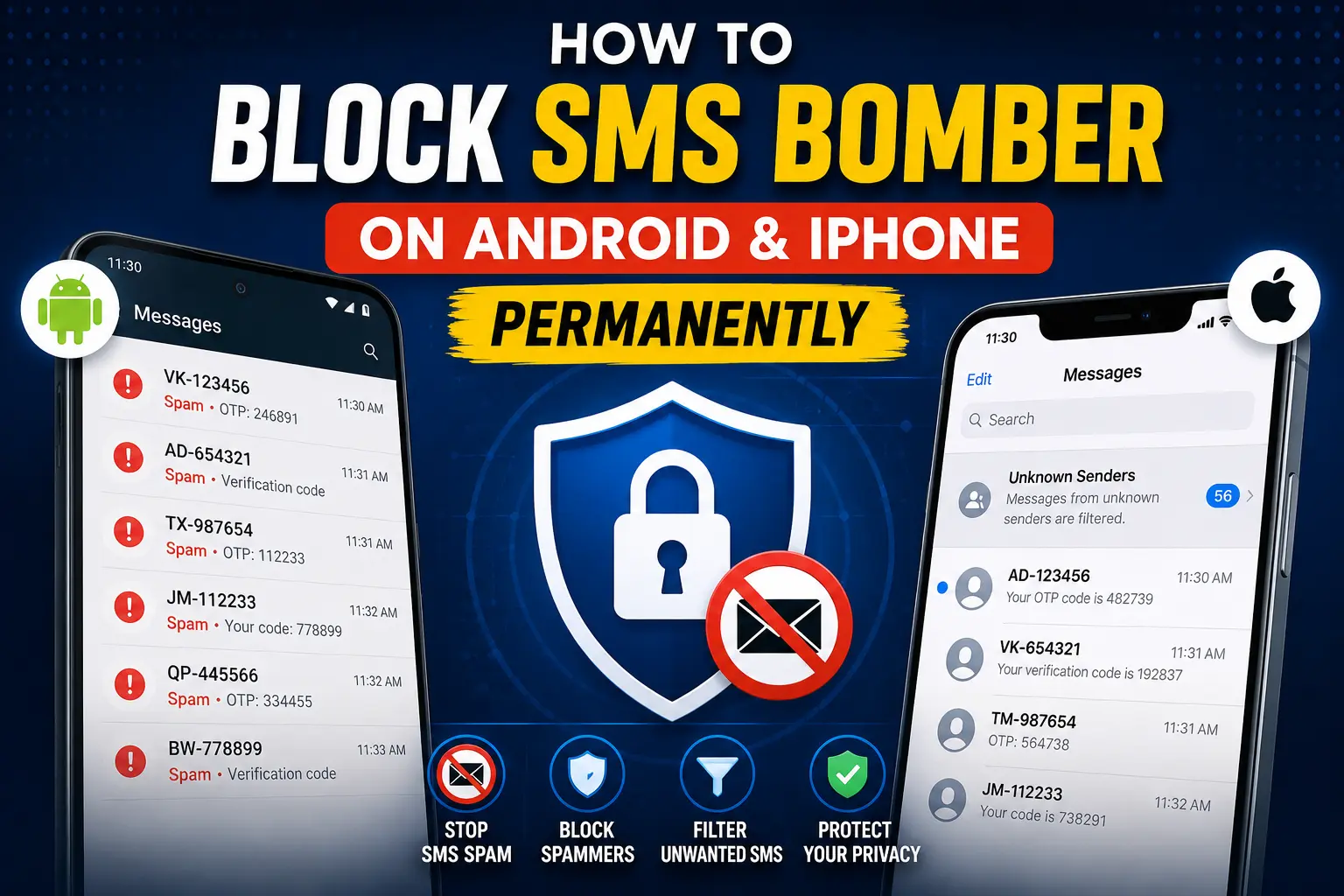
How to Block SMS Bomber on Android & iPhone Permanently
SMS bombing has become a serious problem in 2026. Many users receive hundreds of OTPs, promotional texts, and spam verification messages within minutes. These attacks can slow down your phone, hide important messages, drain battery life, and even create security risks.
If you are facing continuous spam texts, this guide will show you how to block SMS bombers permanently on Android and iPhone using safe and effective methods.
You will also learn how to protect your number from future SMS bombing attacks.
What Is an SMS Bomber?
An SMS bomber is a tool or service that sends a large number of text messages to a single phone number in a short time. Most SMS bombers abuse OTP systems, promotional forms, and signup APIs to flood victims with messages.
Common signs of an SMS bombing attack include:
- Receiving hundreds of OTP messages
- Continuous SMS notifications every second
- Messages from different companies and apps
- Phone lagging or overheating
- Important messages getting buried under spam
Some attackers use free online bomber tools, while others use automated scripts and fake registrations.
Why SMS Bombing Is Dangerous
SMS bombing is not just annoying. It can also create privacy and security issues.
Main Risks of SMS Bombing
- Missed banking or emergency messages
- Phone performance problems
- Battery drain
- Exposure to phishing links
- SIM-related security threats
- Stress and harassment
If your number is repeatedly targeted, you should take action immediately.
How to Block SMS Bomber on Android Permanently
Android phones offer several ways to stop SMS bombing attacks.
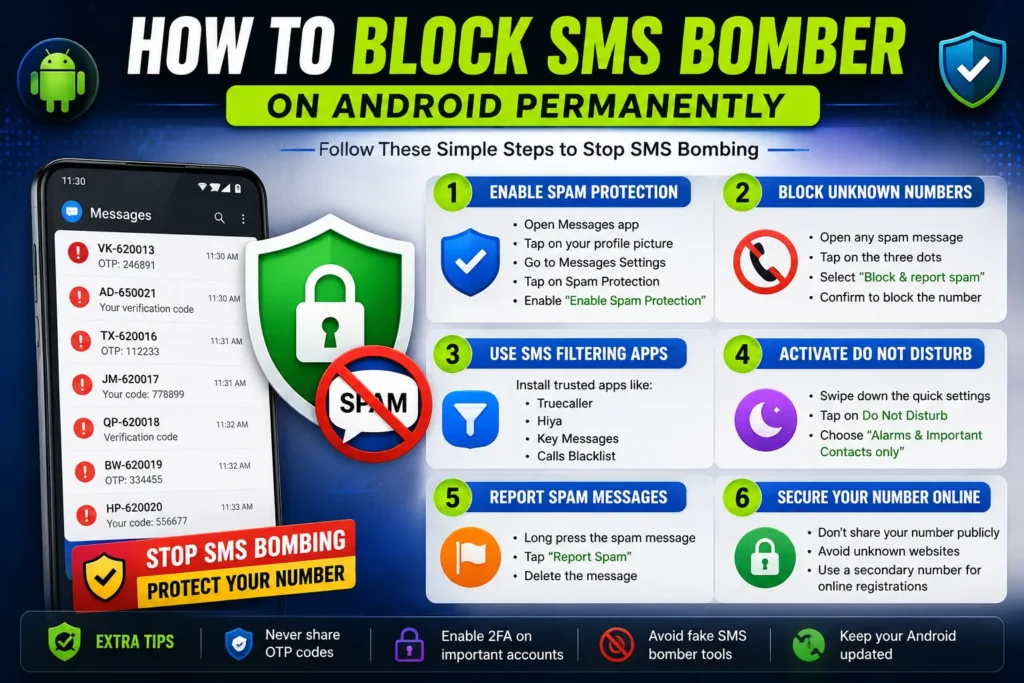
1. Enable Spam Protection in Google Messages
Most Android devices use the Google Messages app, which includes built-in spam protection.
Steps:
- Open Messages
- Tap your profile picture
- Go to Messages Settings
- Open Spam Protection
- Turn on Enable Spam Protection
This automatically filters many spam and OTP floods.
2. Block Unknown Numbers
If messages come repeatedly from the same sender:
- Open the SMS
- Tap the three dots
- Select Block Number
- Confirm the action
Blocking suspicious senders reduces spam volume quickly.
3. Use SMS Filtering Apps
Trusted spam filtering apps can stop mass SMS attacks more effectively.
Popular options include:
- Truecaller
- Hiya
- Calls Blacklist
- Key Messages
These apps use spam databases and AI filters to detect suspicious activity.
4. Activate Do Not Disturb Mode
During heavy SMS bombing, notifications can become overwhelming.
Enable Do Not Disturb (DND) mode to silence spam temporarily while allowing calls from important contacts.
5. Report Spam Messages
Reporting spam helps mobile carriers improve filtering systems.
On Android:
- Long press the message
- Tap Report Spam
- Delete the message
6. Secure Your Phone Number Online
Most SMS bombers collect numbers from public websites, forms, and social media profiles.
Avoid:
- Sharing your number publicly
- Entering your number on unknown websites
- Using suspicious free tools online
You can also learn more about SMS security and spam prevention tips on GetSMSHelper.
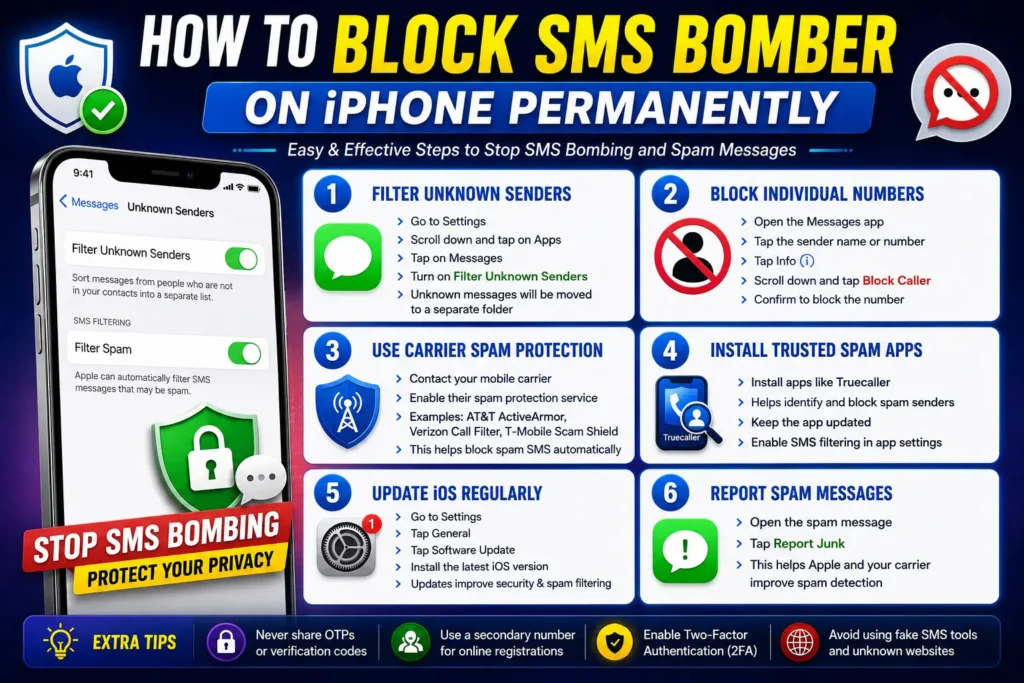
How to Block SMS Bomber on iPhone Permanently
Apple devices include strong filtering features for spam protection.
1. Filter Unknown Senders
This is one of the best iPhone features against SMS bombing.
Steps:
- Open Settings
- Go to Apps
- Open Messages
- Enable Filter Unknown Senders
This separates unknown messages into another folder.
2. Block Individual Numbers
To stop repeated spam senders:
- Open the message
- Tap the sender name
- Select Info
- Tap Block Caller
3. Use Carrier Spam Protection
Many mobile networks provide free spam blocking services.
Examples include:
- AT&T ActiveArmor
- Verizon Call Filter
- T-Mobile Scam Shield
Contact your carrier to enable SMS spam protection features.
4. Install Trusted Spam Detection Apps
Apps like Truecaller can also work on iPhone for spam filtering and caller identification.
Avoid downloading unknown security apps from unofficial sources.
5. Update iOS Regularly
Apple frequently improves spam detection and security protections through iOS updates.
To update:
- Open Settings
- Tap General
- Select Software Update
How to Protect Your Number from Future SMS Bombing
Blocking an attack once is not enough. You should also secure your number long term.
Best Prevention Tips
Never Share OTPs
Attackers may combine SMS bombing with phishing attempts.
Never share:
- OTP codes
- Verification links
- Banking details
Use Secondary Numbers Online
Use a secondary number for:
- Online registrations
- Free trials
- Temporary signups
This keeps your primary number safer.
Avoid Fake SMS Tools
Many “free SMS bomber” websites collect phone numbers and misuse them later.
Stay away from suspicious online tools and generators.
Enable Two-Factor Authentication (2FA)
Secure important accounts with authentication apps instead of SMS-based OTPs whenever possible.
Good options include:
- Google Authenticator
- Microsoft Authenticator
- Authy
Can Mobile Carriers Stop SMS Bombing?
Yes, in many cases.
If the attack becomes severe:
- Contact your mobile carrier
- Report harassment or spam flooding
- Ask for advanced spam filtering
- Request temporary SMS restrictions if needed
Some carriers can detect mass-message abuse patterns automatically.
What to Do If SMS Bombing Continues
If you still receive continuous spam:
- Change passwords for important accounts
- Check for SIM swap activity
- Contact your carrier immediately
- Report cyber harassment to local authorities if necessary
- Consider changing your phone number in extreme cases
Final Words
SMS bombing attacks are becoming more common, but both Android and iPhone provide strong tools to fight back. By enabling spam filters, blocking suspicious senders, securing your number, and avoiding unsafe websites, you can permanently reduce SMS bombing risks.
For more mobile security guides, spam protection tutorials, and SMS-related resources, visit GetSMSHelper Official Website.